



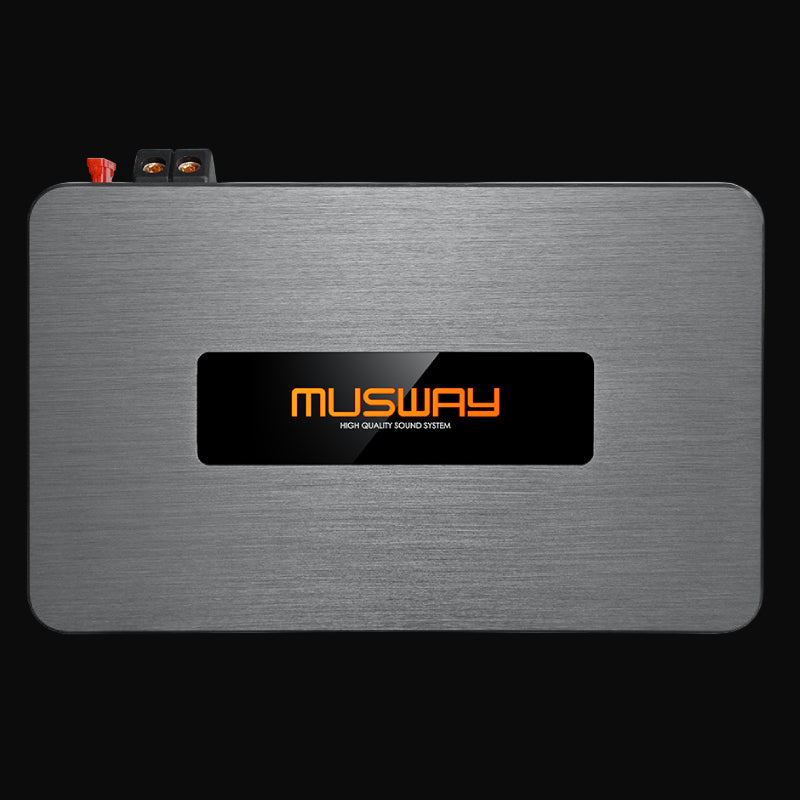
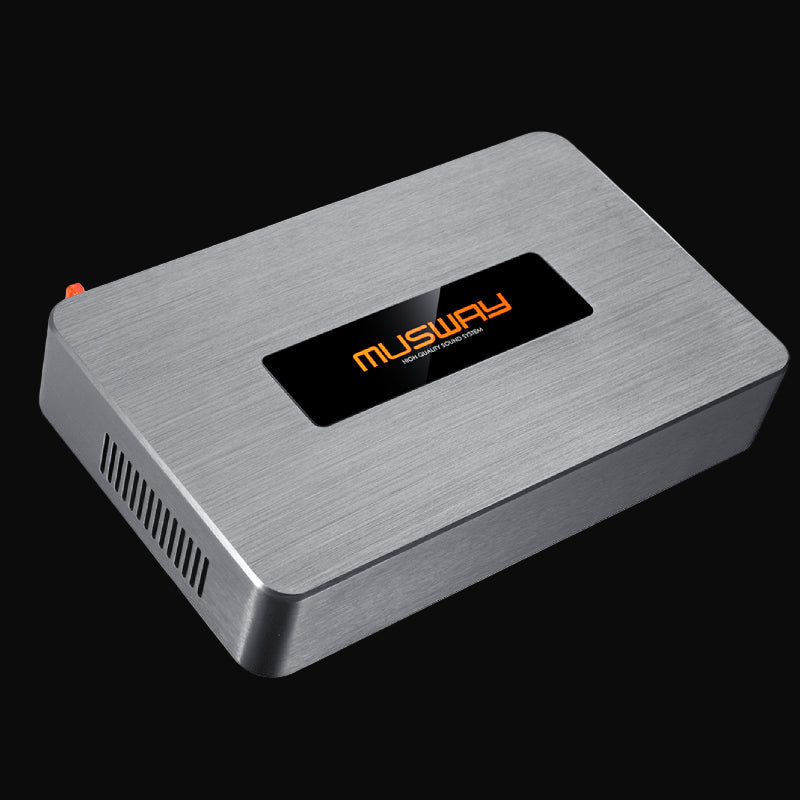
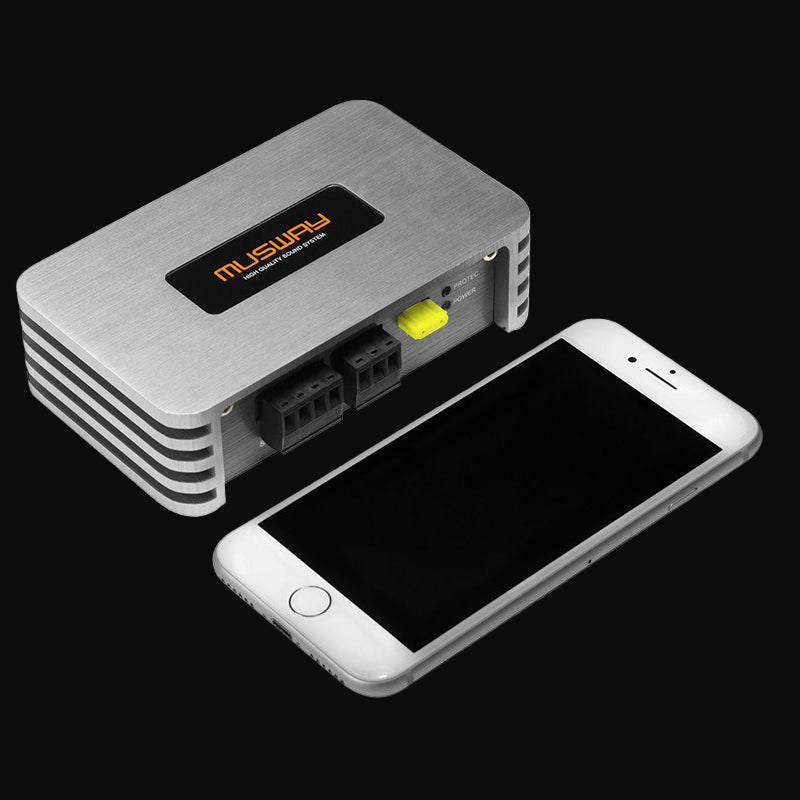
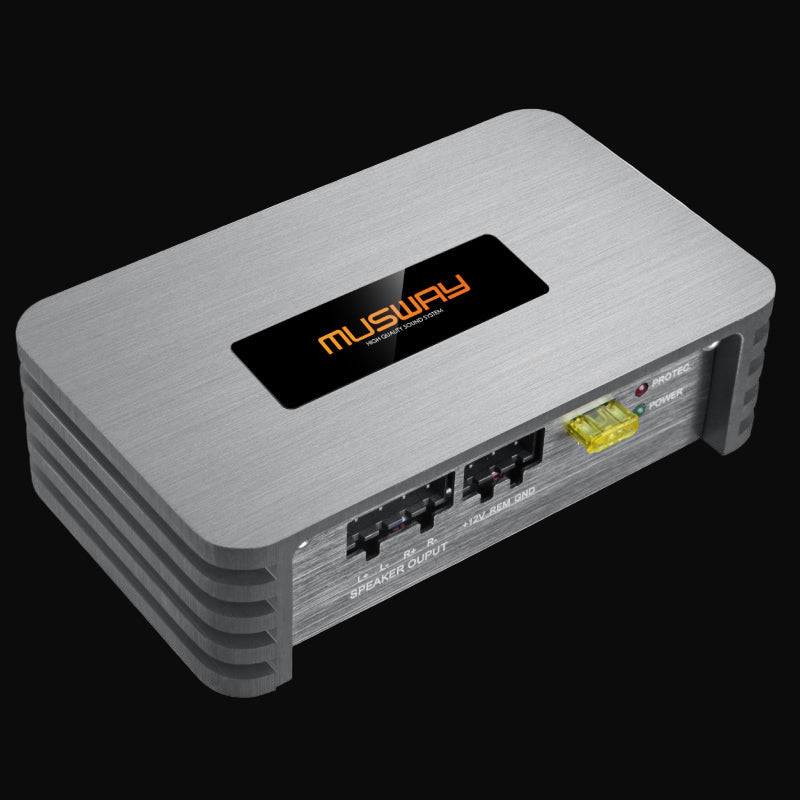


 Manual
EIGHT.100
8-channel power amplifier
Installation and operation guide with wiring diagrams and full specifications.
Documentation
Installation and operating manuals for MUSWAY amplifiers, DSP processors and speakers. Every file is a PDF.
No manual matches that model. Check the label on your unit or contact tech support.
Manuals open in any PDF reader. If your model is not listed, send us the label on the unit and we will send the correct file.
Tech supportDocumentation
Installation and operating manuals for MUSWAY amplifiers, DSP processors and vehicle specific speakers. Every file is a PDF.
Manual
8-channel power amplifier
Installation and operation guide with wiring diagrams and full specifications.
 Manual
8-channel digital DSP amplifier
DSP setup, tuning guide and technical specifications for the compact digital amplifier.
 Manual
6-channel amplifier
Installation guide with filter configuration and setup for all six channels.
 Manual
Professional DSP processor
Tuning guide with software instructions and advanced processing setup.
 Manual
8-channel stand-alone DSP
Setup manual with channel routing and signal processing instructions.
 Manual
6-channel compact DSP amplifier
Integration guide for factory system upgrades with Class D specifications.
Manual
6-channel Class D, 10-channel DSP
Integration guide for factory system upgrades with full DSP feature set.
 Manual
2-channel Class D amplifier
Quick installation guide with wiring diagrams for component speakers.
 Manual
2-channel Class D amplifier
Installation manual with bridging configurations for speakers and subwoofers.
 Manual
4-channel Class D amplifier
Installation manual with bridging options for speakers and subwoofers.
 Manual
5-channel Class D full range amplifier
MX Series manual covering channel setup and subwoofer output.
 Manual
Mono subwoofer amplifier
Subsonic filter, phase adjustment and amplification mode settings.
Manual
Mono subwoofer amplifier
Subsonic filter, phase adjustment and amplification mode settings.
Manual
Mono subwoofer amplifier
Subsonic filter, phase adjustment and amplification mode settings.
 Manual
4-channel mini Class D amplifier
Owner manual for the compact amplifier with integrated Bluetooth.
 Manual
High to low level converter
Connect aftermarket amplifiers to a factory head unit with clean signal conversion.
 Manual
4-channel DSP amplifier
DSP tuning instructions and compact installation guidelines.
Manual
5-channel Class D, 9-channel DSP
DSP tuning instructions and compact installation guidelines.
 Manual
8-channel Class D, 12-channel DSP
Owner manual covering channel routing and DSP configuration.
 Manual
10-channel DSP amplifier
System manual with DSP configuration for complex installations.
Manual
12-channel DSP amplifier
System manual with DSP configuration for complex installations.
 Manual
BMW specific speakers
Vehicle specific installation guide for E, F and G series BMW models.
 Manual
BMW specific speakers
Vehicle specific installation guide for E, F and G series BMW models.
No manual matches that model. Check the label on your unit or contact tech support.
Manuals open in any PDF reader. If your model is not listed, send us the label on the unit and we will send the correct file.
Tech support